
Web & Mobile Apps for pension funds
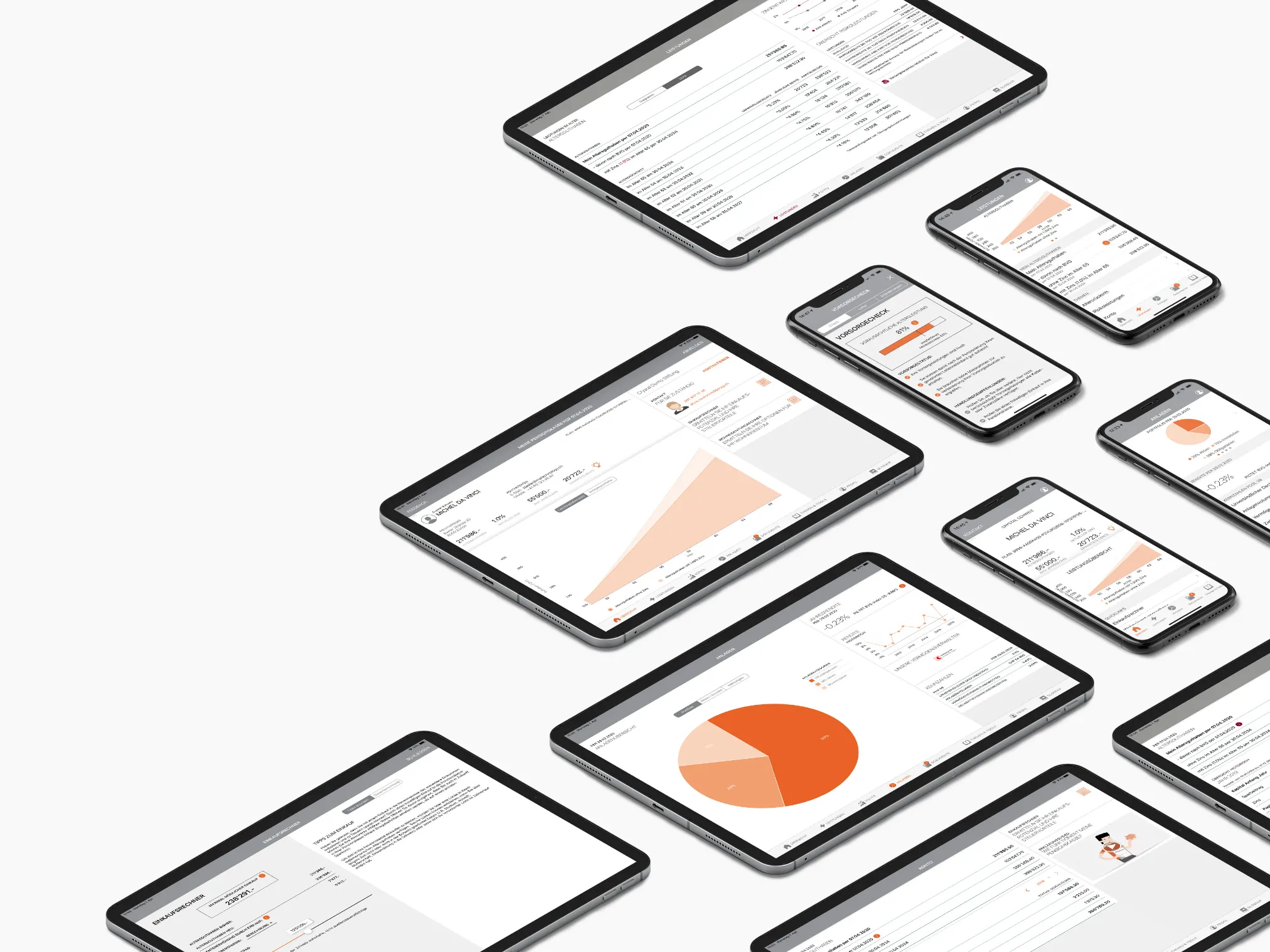
Design and conception of a holistic solution for the digitization of pension funds. The solution includes various mobile apps for iPhone, iPad and Android for insured persons as well as a company portal as a web solution for companies.
Introduction
Design and conception of a holistic solution for the digitization of pension funds. Employers and employees can access PK data and process business cases at any time
Responsibilities
- UX & UI design of all apps (iOS, Android, Web)
- Conduct UCD workshops with professionals and users
- User Testing & User Interviews
- Creating HTML and style sheets as a basis for the developers
Project Setup
- Project management: Acrea AG
- Development: MP Technology, Zurich
- Client: DigitalPK & various pension funds
Download from the App Store
Project Facts
Client
DigitalPK - a consortium of innovative pension fund
Applications
- iOS App
- Android App
- Company portal WebApp
- Insured Web App
Project duration
2017 - 2020
Partner
DigitalPK, Berag AG
ACREA AG Project management
MP Technology development
Approach
A crucial point was to understand the many requirements and use cases that arise in a pension fund. This was the only way to create a modern, contemporary user experience that a user expects in a modern mobile app. As a designer, I had to deal intensively with the requirements catalogue of a pension fund. This was done through exchange in the form of regular workshops with experts and users who worked on the "front line".
The resulting understanding helped to create first drafts of the mockups, which already represented real processes. These first mockups could thus be presented to potential end users for testing at an early stage.
Interactive mockups and design sprints
With interactive - i.e. clickable - mockups, end users and experts were repeatedly involved during the design process. This ensured that all requirements were already met during the UI design. The mockups were also used to regularly consult with the development team regarding design and implementation. In this way, all project participants are always kept up to date on the latest design status.
In design sprints, individual screens were created in detail and then continually improved and refined. The web app of the company portal received special attention. It had to communicate with various interfaces that delivered different data.
A modular and flexible design, which also takes multilingualism into account, was a decisive factor in launching the first version of the portal efficiently and cost-effectively.
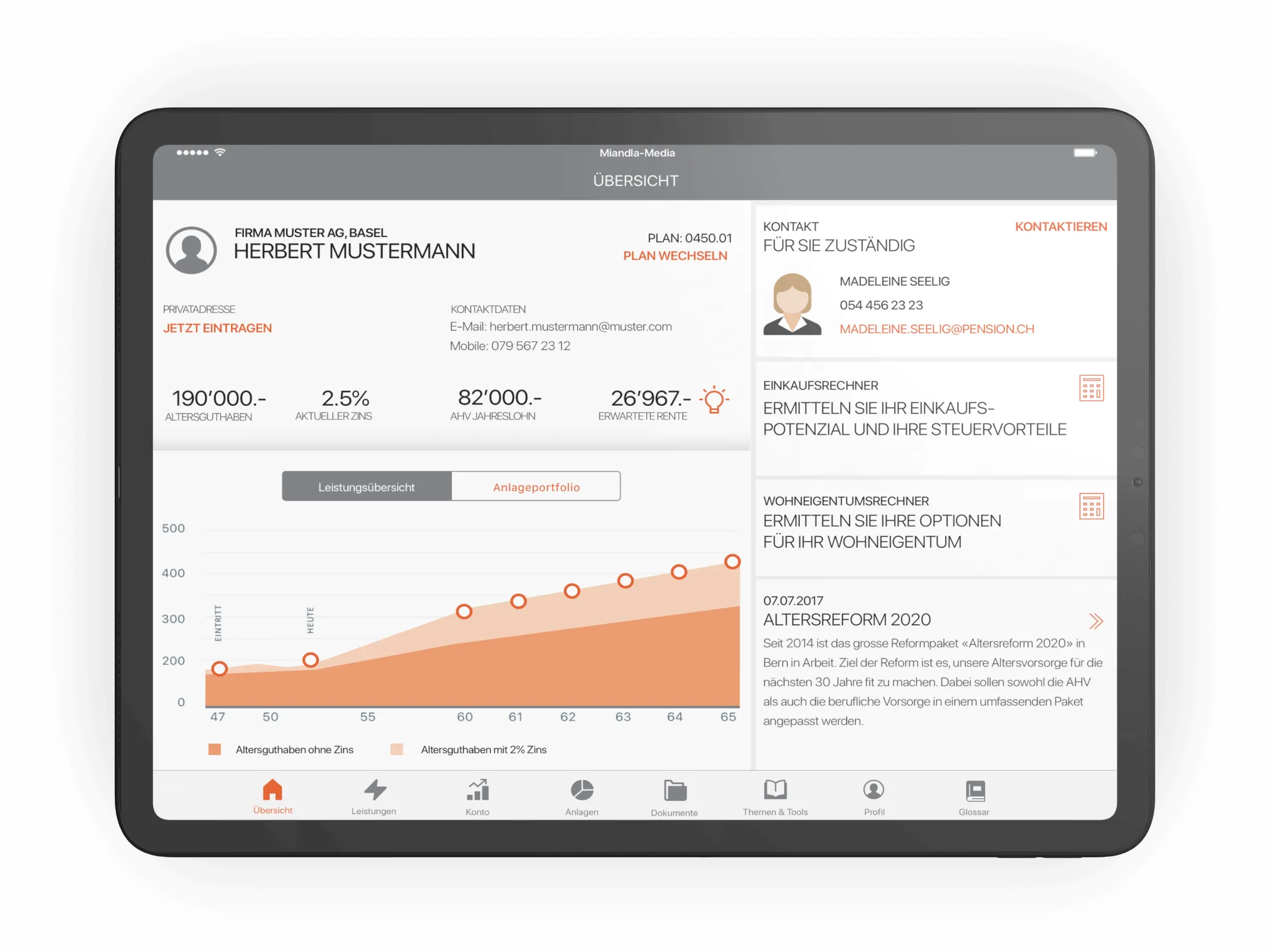
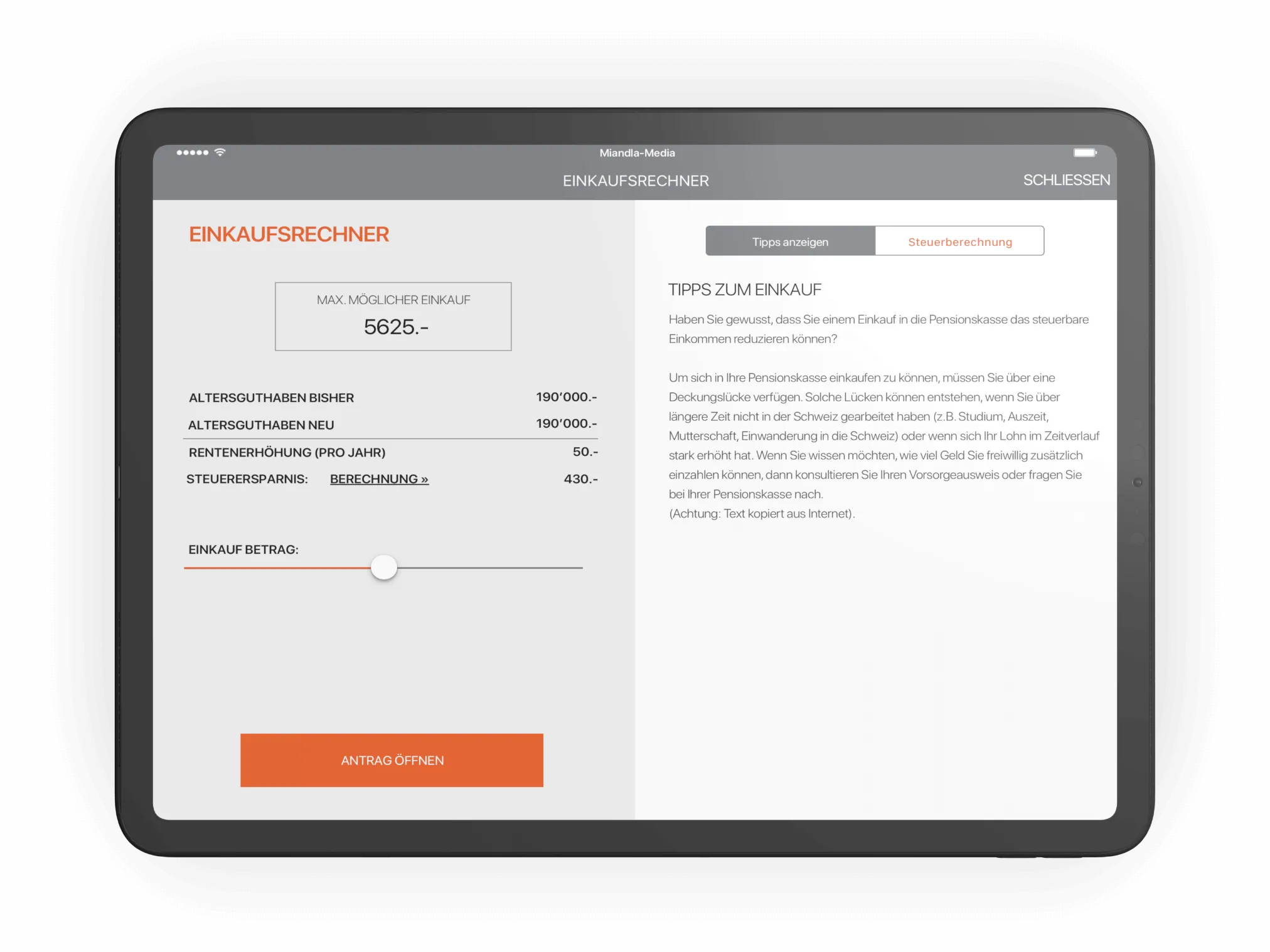
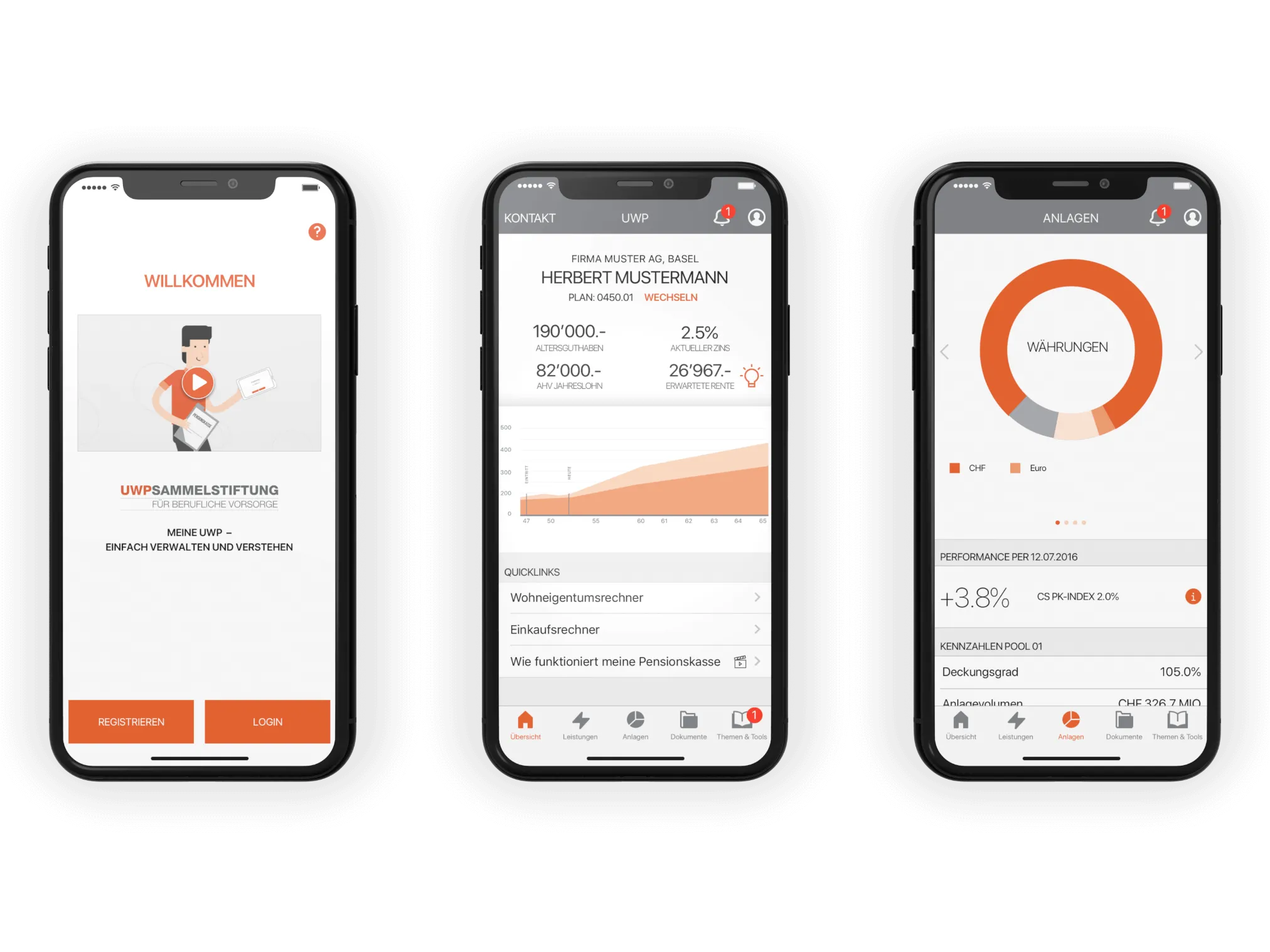
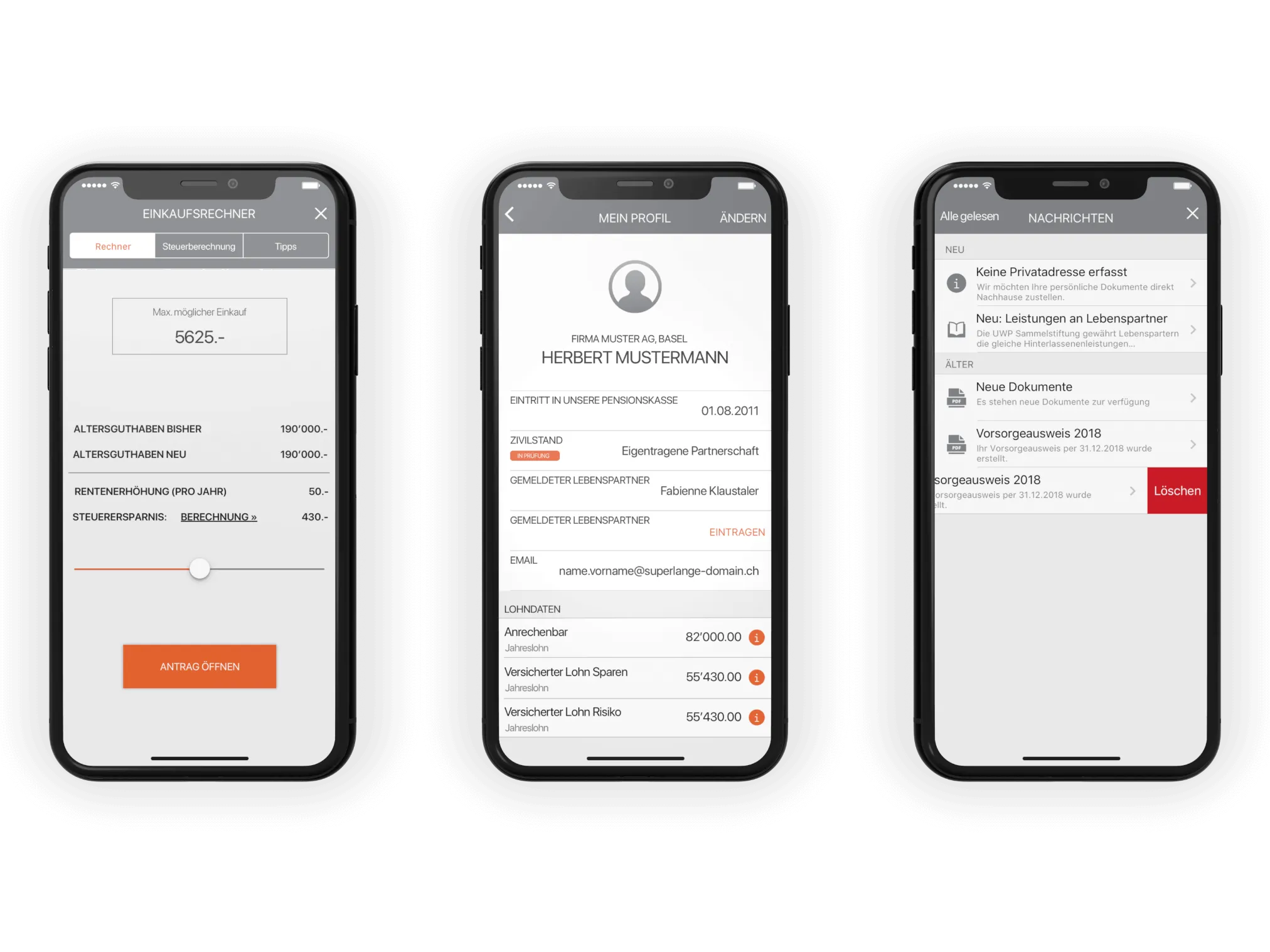
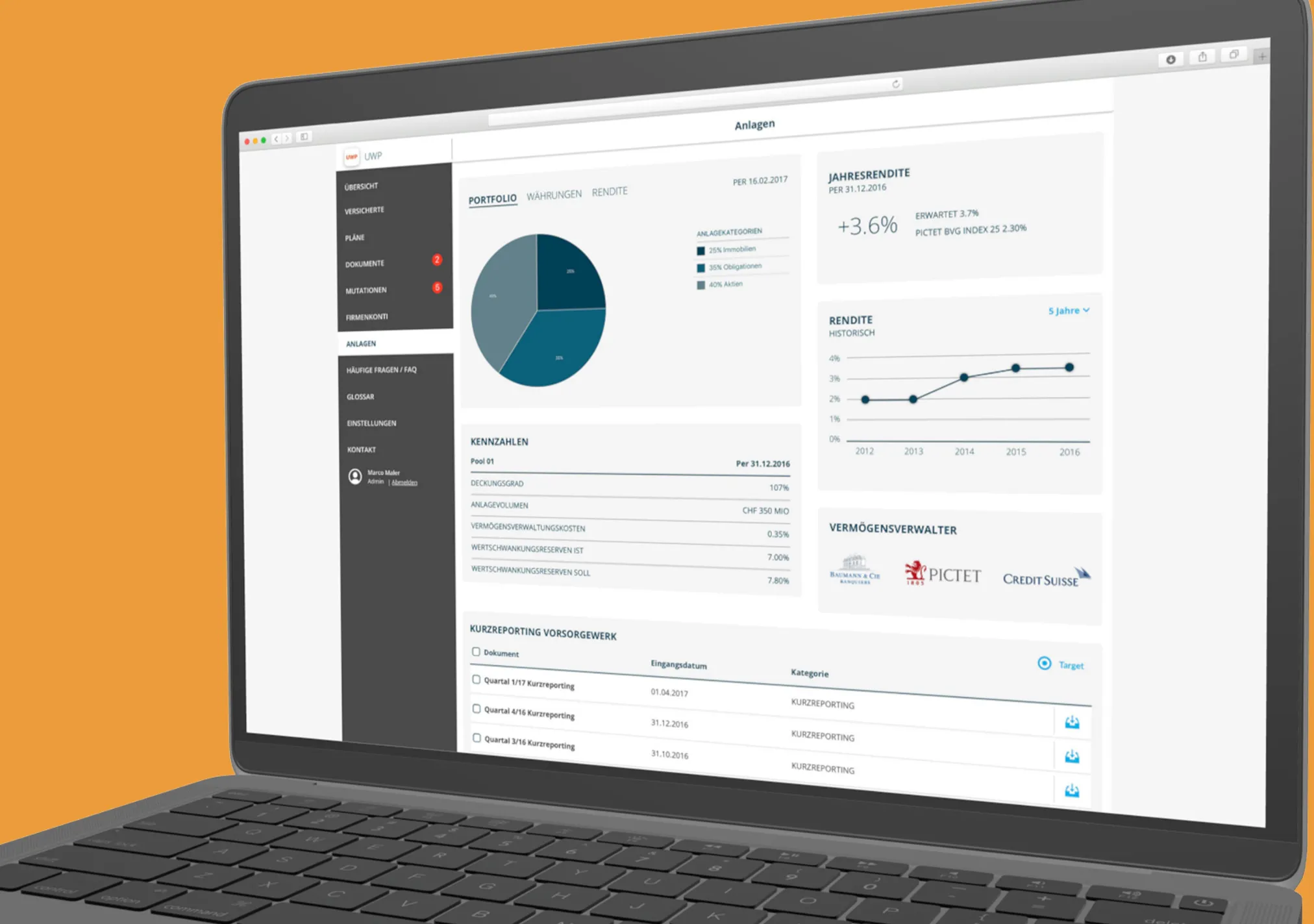
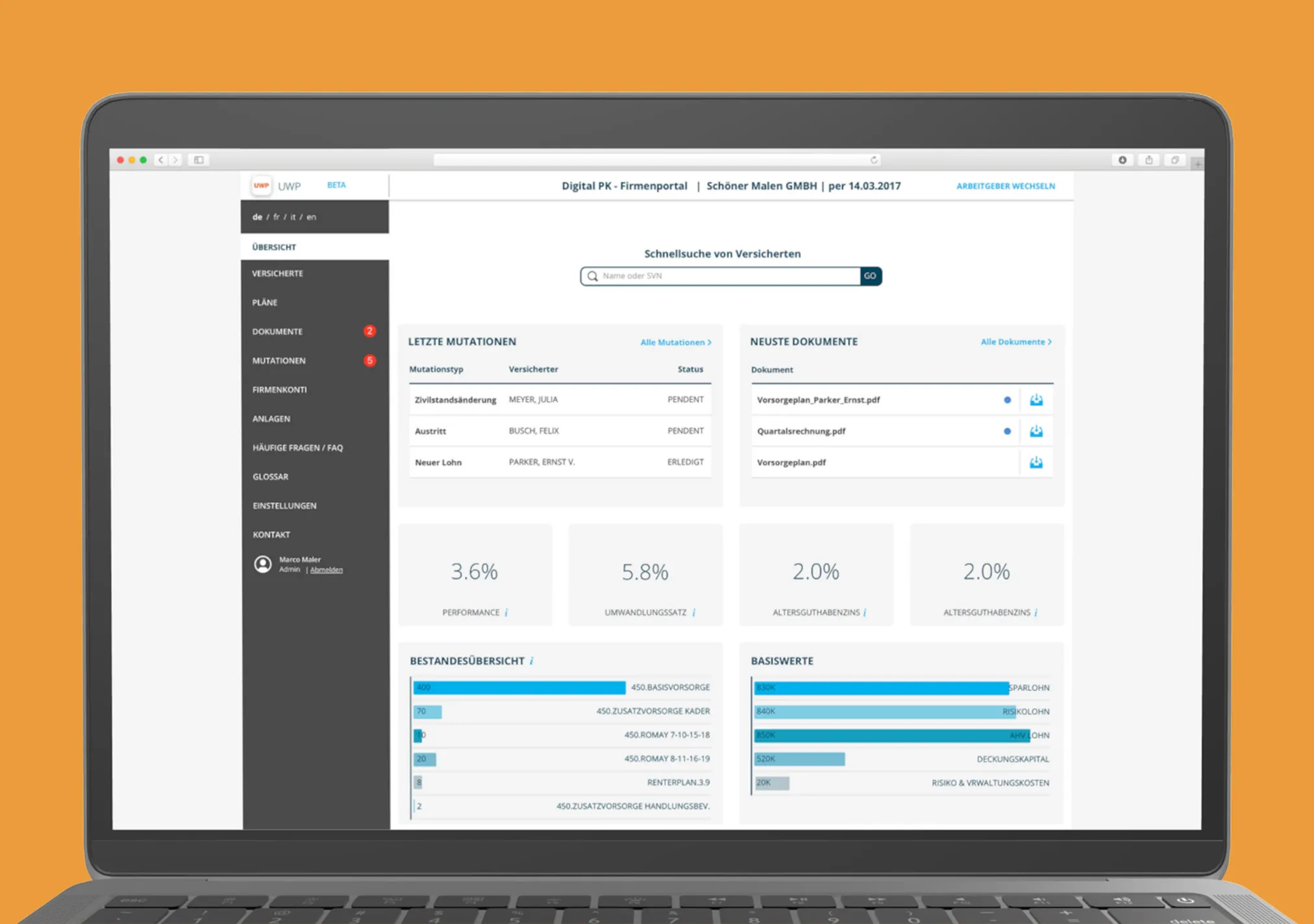
Over 80 mockups for 5 device types on 3 platforms
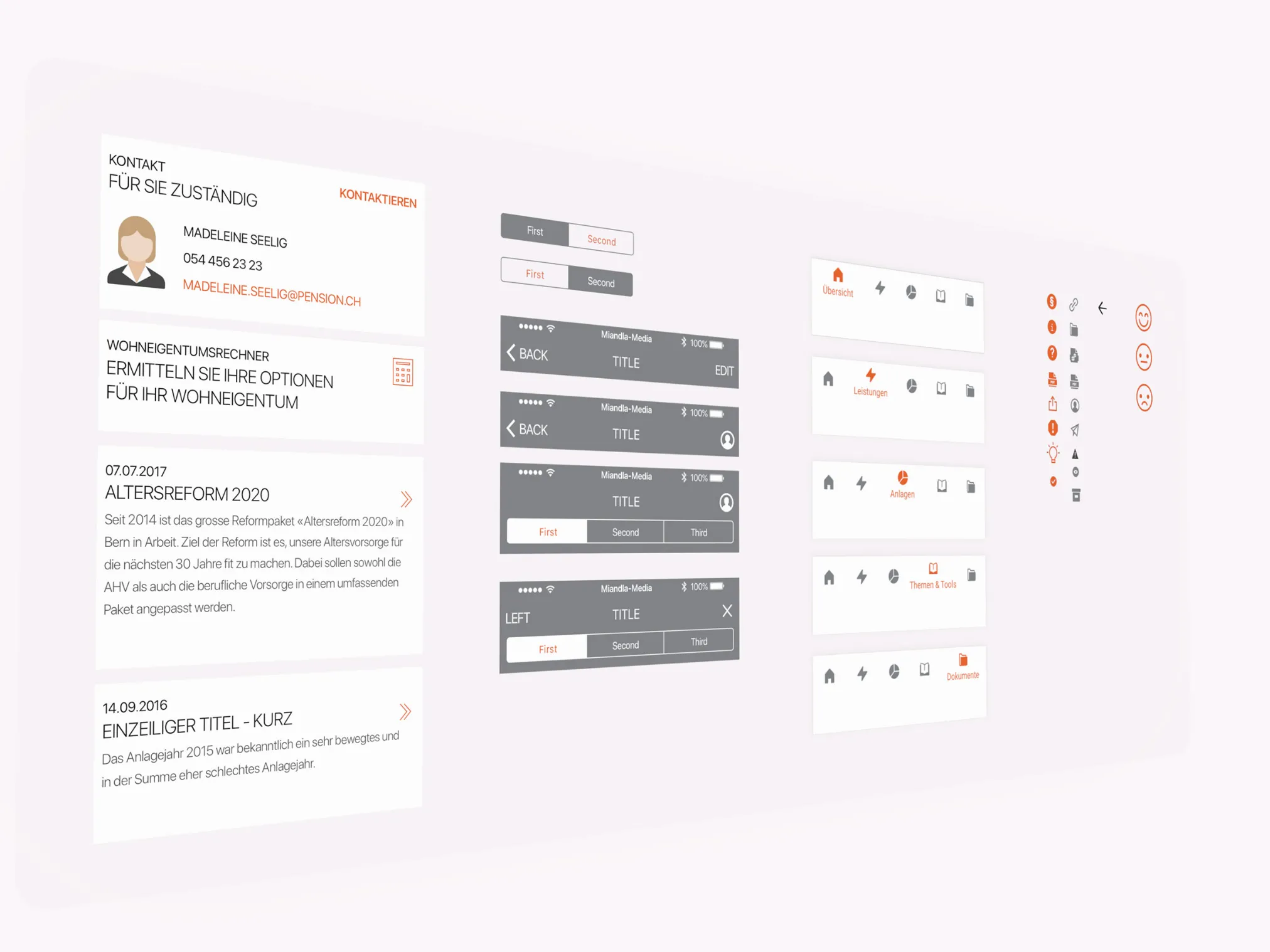
All mockups were designed and created directly in Sketch. To ensure that the design was uniform across all platforms, design elements (symbols) were used which could be used repeatedly across platforms. They in turn served the developers to create identical design types and their variations.
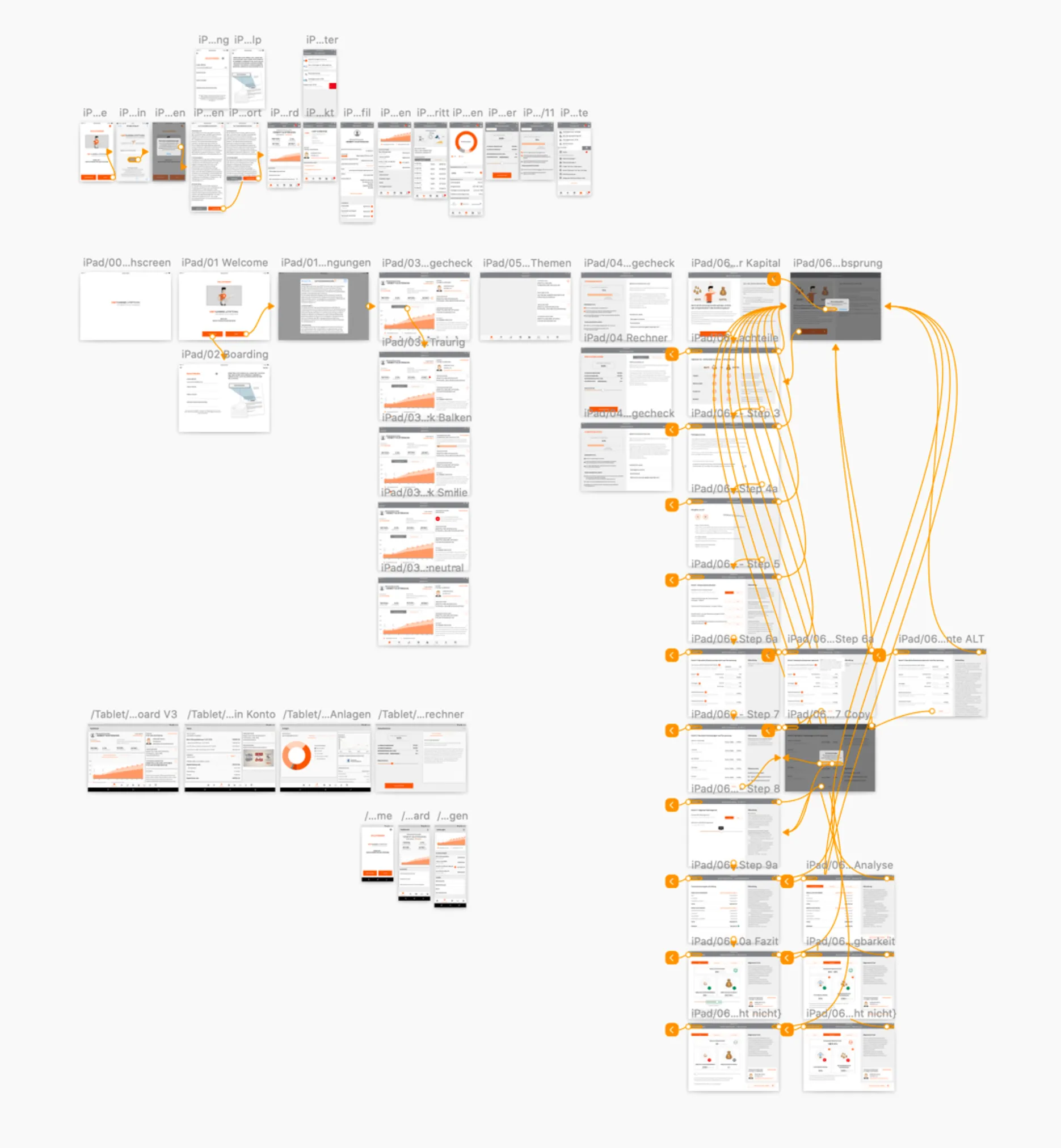
Wireframes for complex user flows
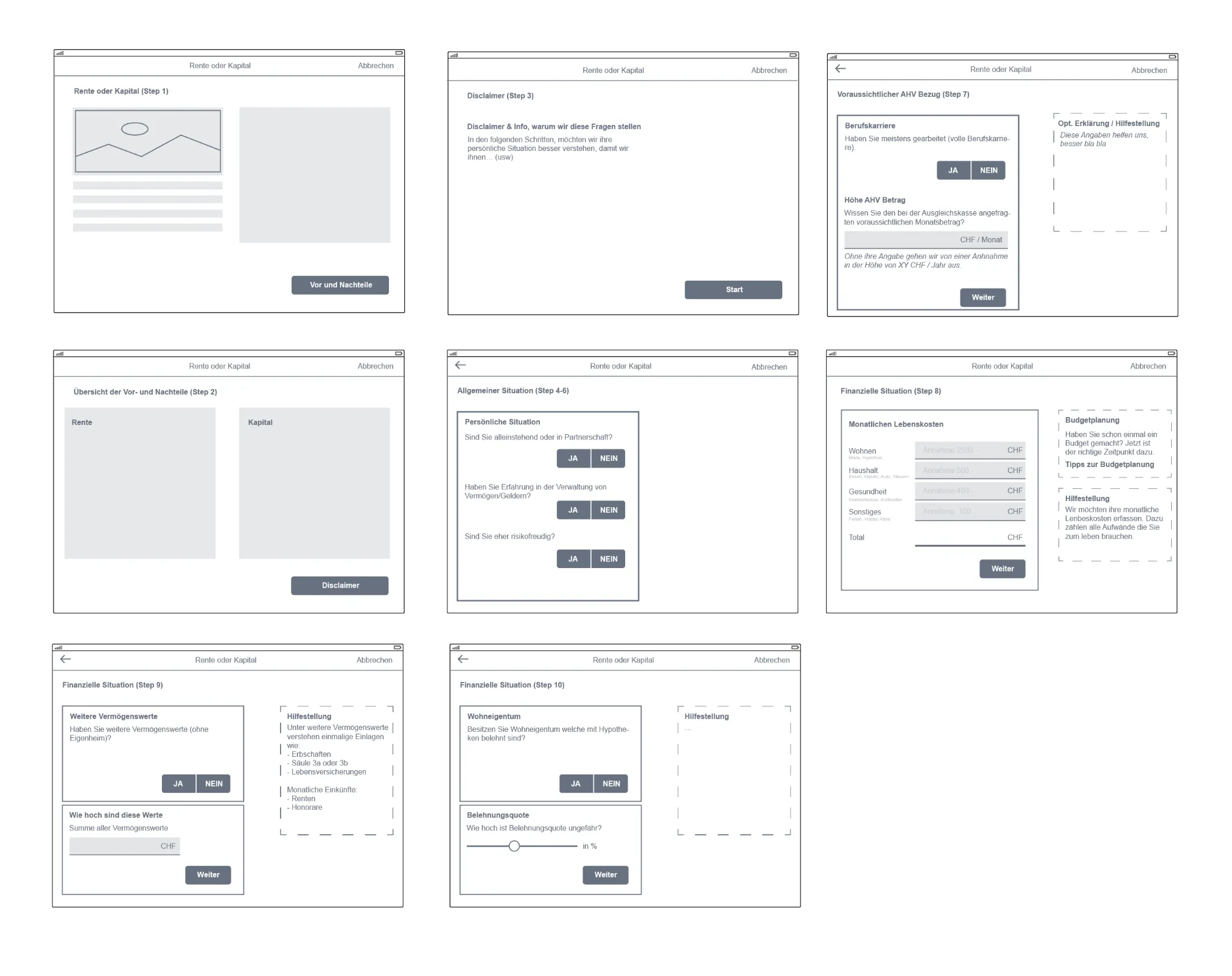
For complex requirements - such as a wizard - simple wireframes were created before the design. These were then discussed with experts in the form of workshops and various reviews. Only after the individual steps of the wizard were clear were mockups created.
One app, different designs
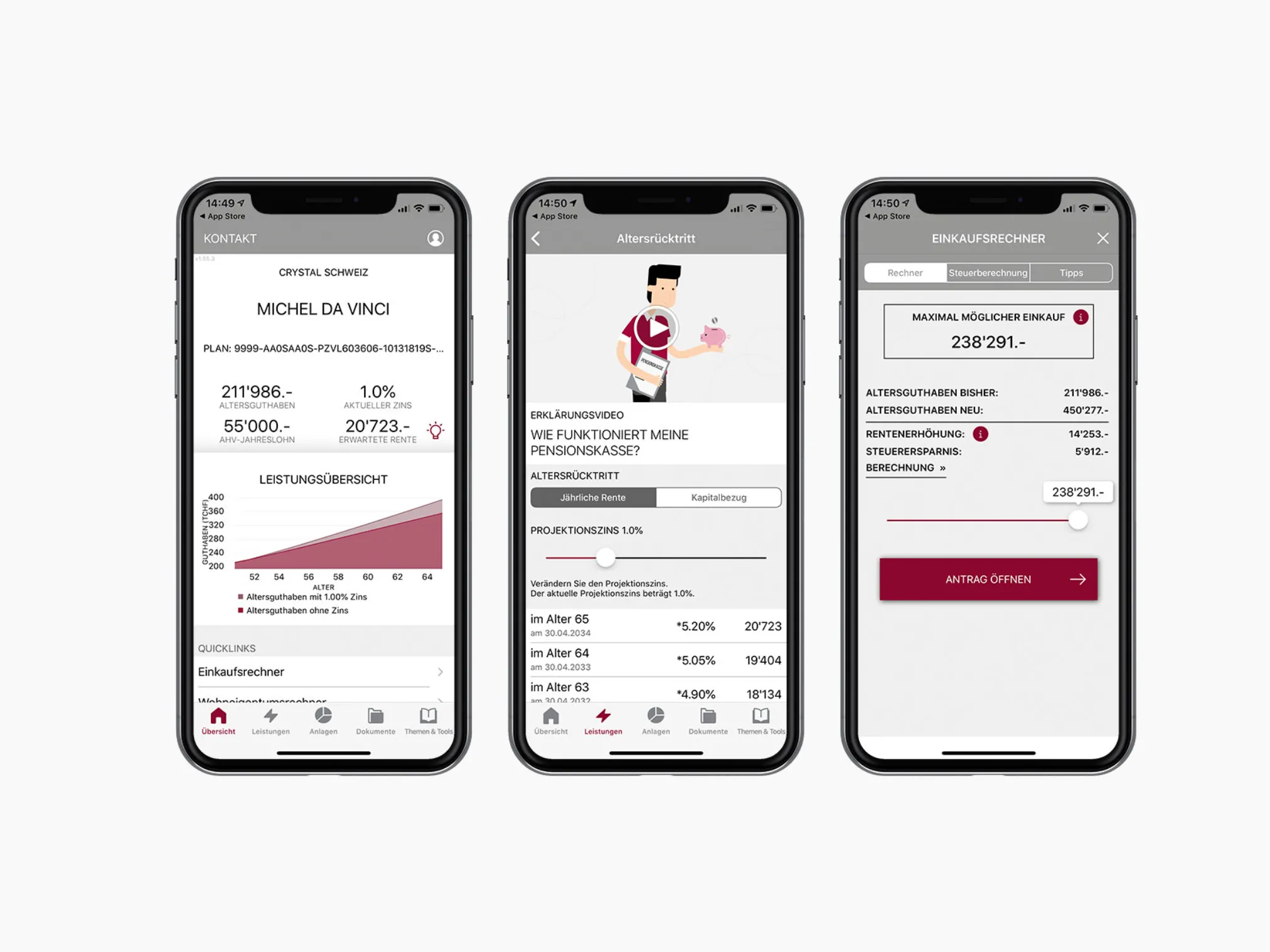
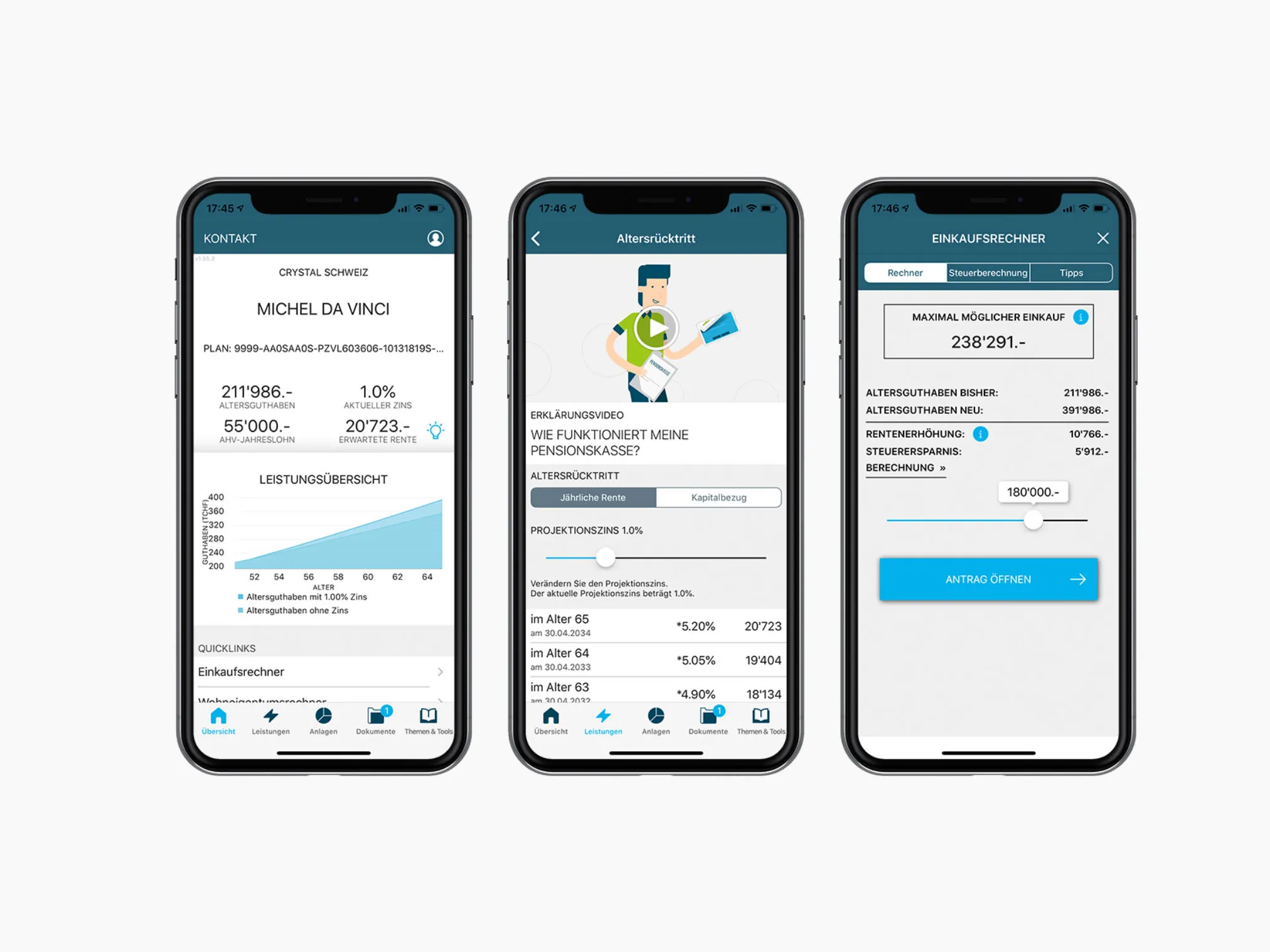
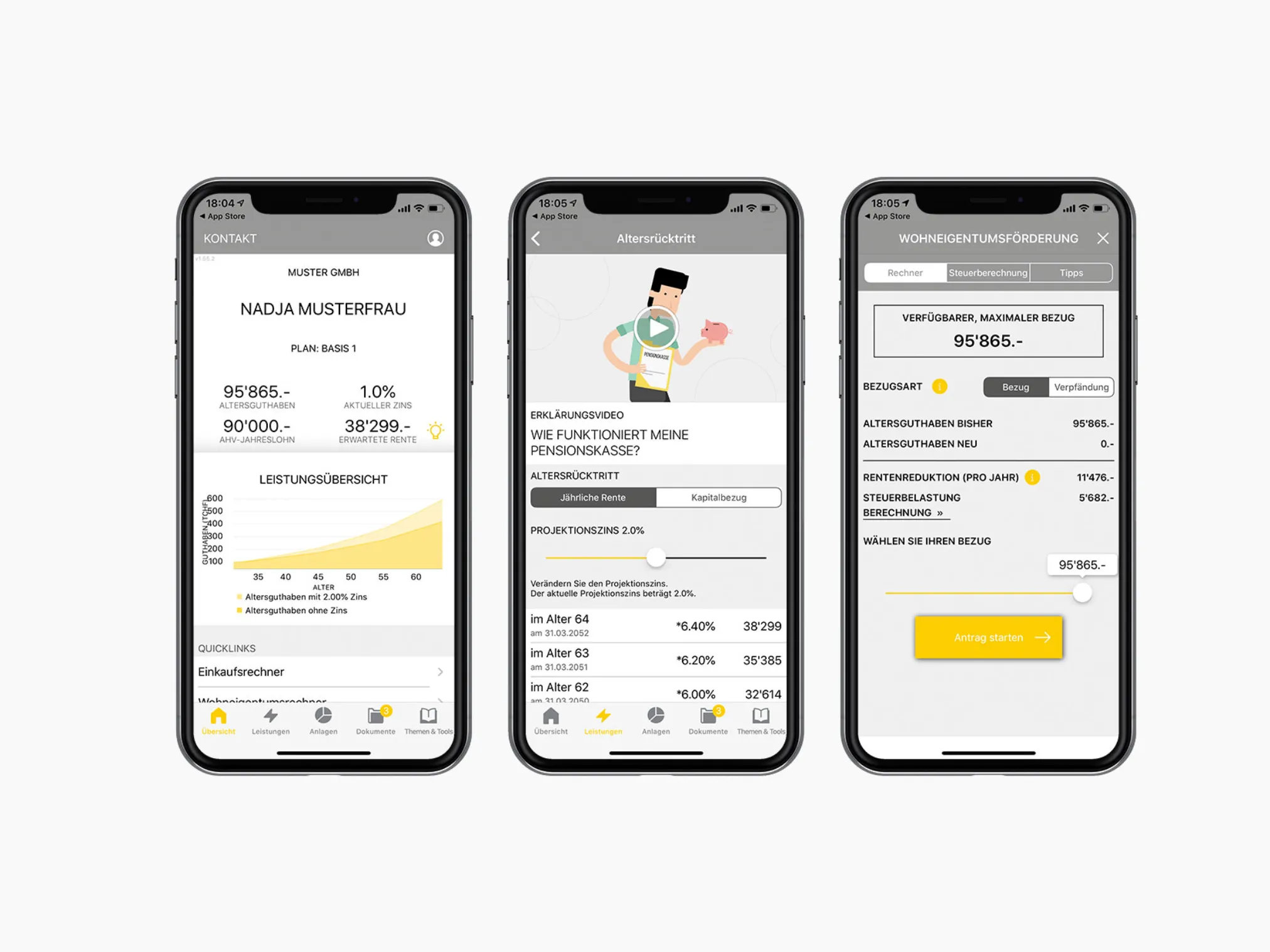
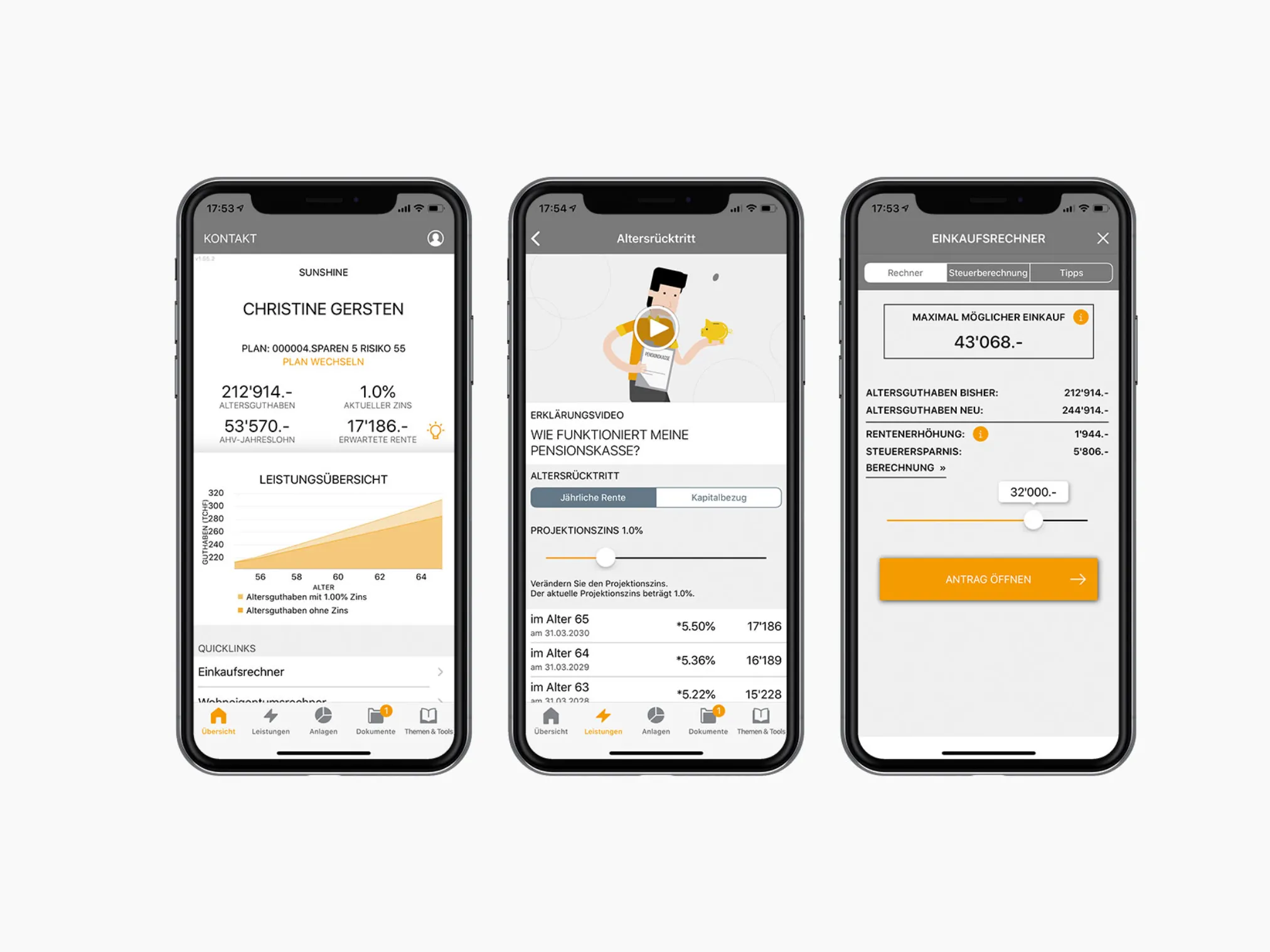
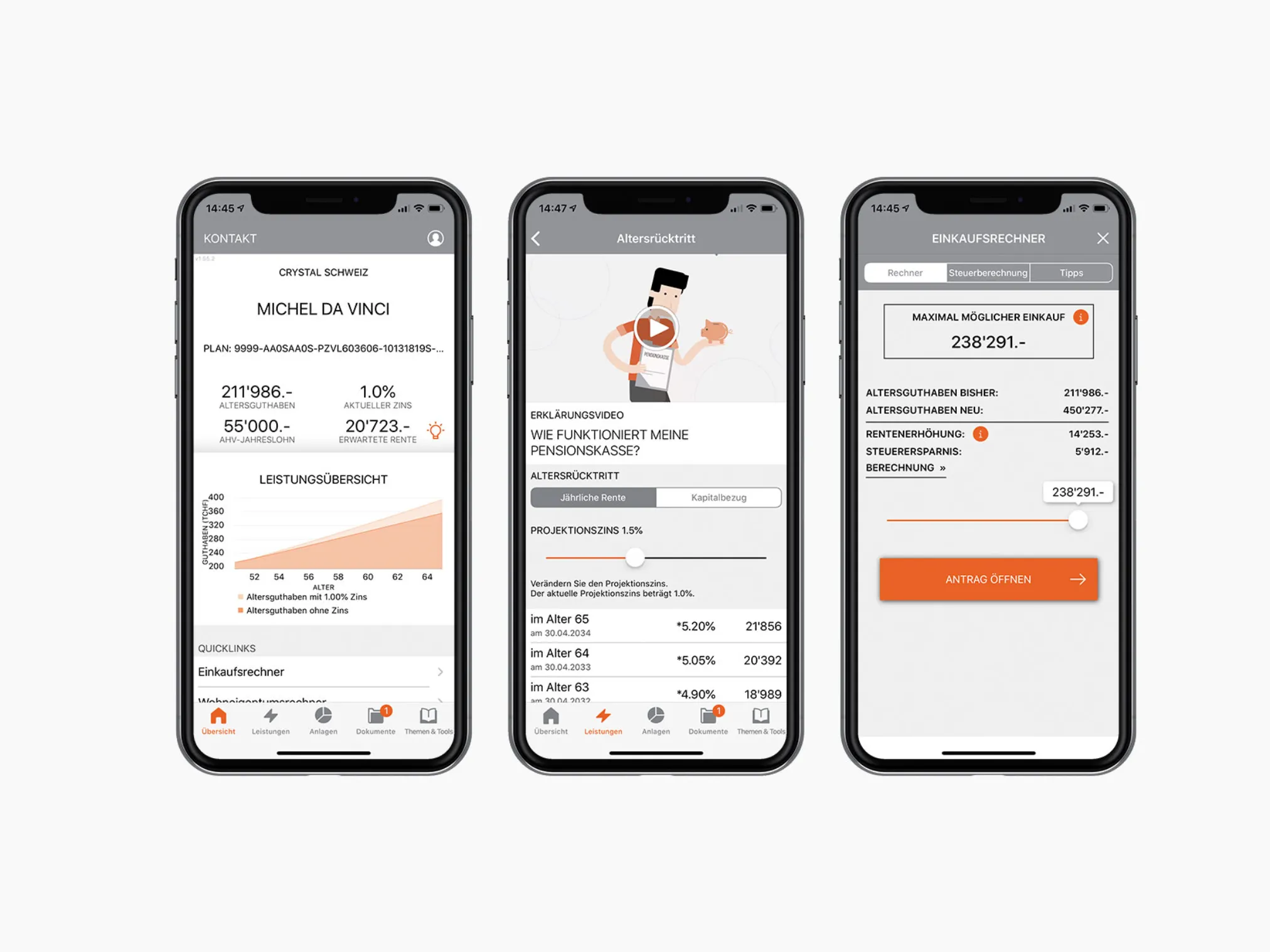
The multi-tenancy capability of the apps has already been accounted for in the design concept. The UX design includes GUI elements that can be individually colored per tenant. The mockups have been structured in a way that this could already be simulated during the mockup phase. This approach enables seamless integration and personalization for different user groups. With the adaptability of the UX design GUI elements, tenants can choose their color schemes individually, resulting in an appealing and user-friendly experience. Simulating this functionality already in the mockup phase demonstrates a strong commitment to effective implementation and high quality in the final application.
Other projects:

- Interaction and User Experience Designer

